Export All Category Breakdown Data
Export all data at once for a selected category breakdown.
How To:
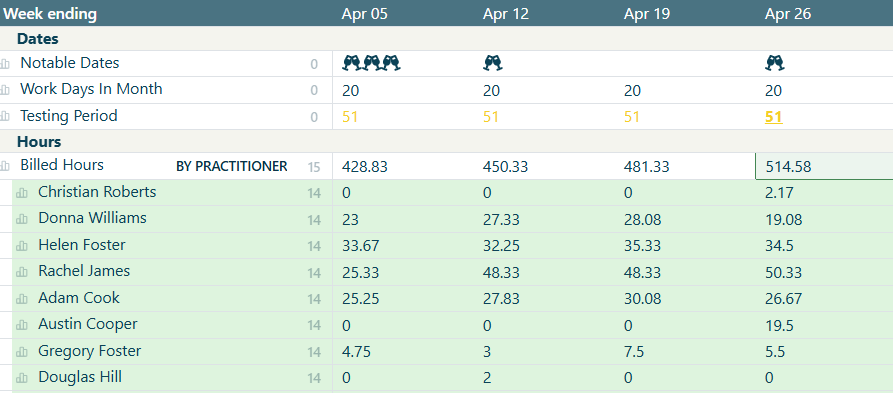
1. Click the category breakdown number and select your chosen category.
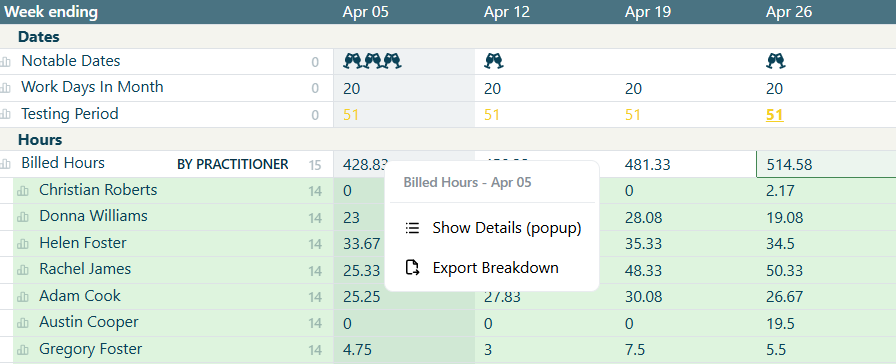
2. Right click on any data point/figure. Select 'Export Breakdown'.
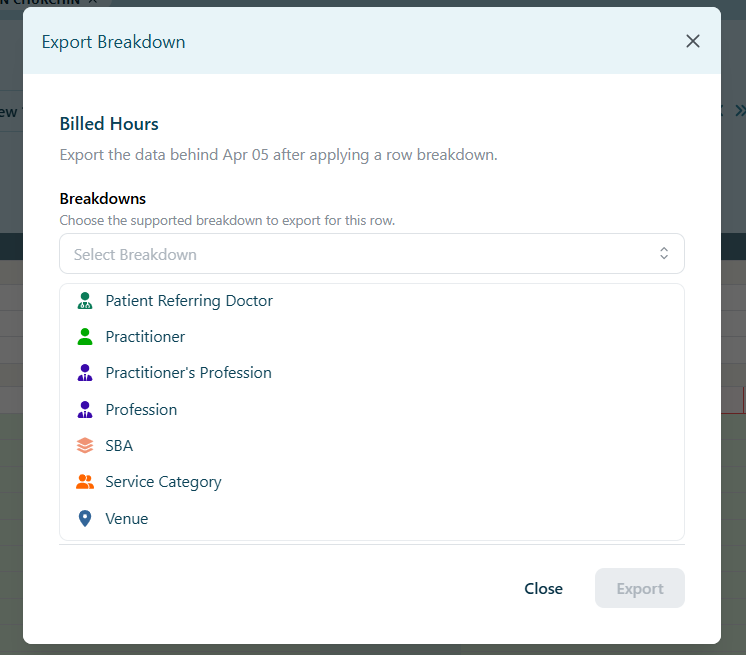
3. Select Category Breakdown from dropdown options
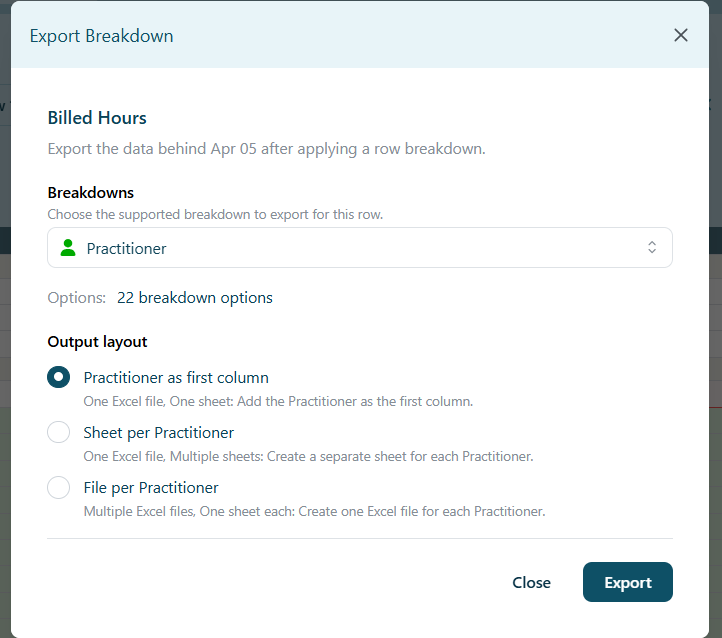
4. Select your desired export layout from the 3 options: