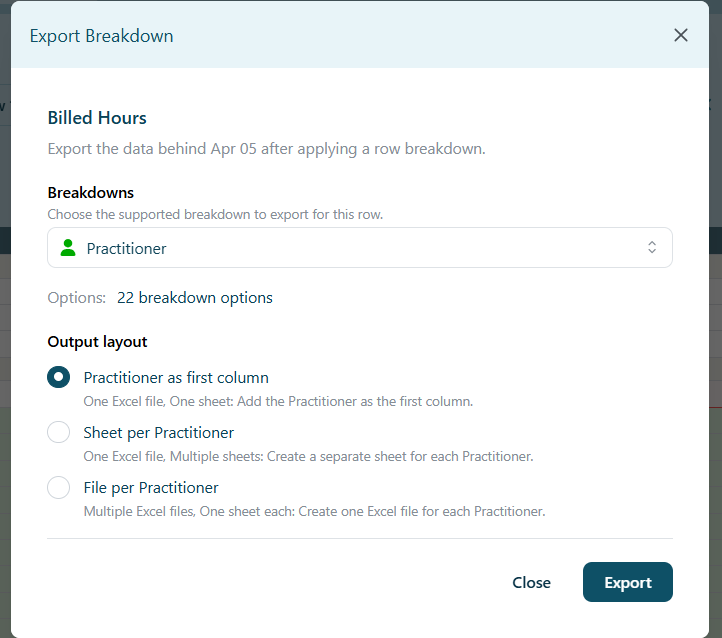
Export All Category Breakdown Data
Export all data at once for a selected category breakdown. For example, you can export all Practitioner data for billed hours for 5th April at once instead of generating individual export files for each practitioner.
3 different export layout options to choose from:
- Practitioner as first column: One Excel file, One sheet: Add the practitioner as the first column.
- Sheet per Practitioner: One Excel file, multiple sheets: Create a separate sheet for each Practitioner.
- File per Practitioner: Multiple Excel files, One sheet each: Create one Excel file for each Practitioner.
How To:
1. Click the category breakdown number and select your chosen category.
1. Click the category breakdown number and select your chosen category.
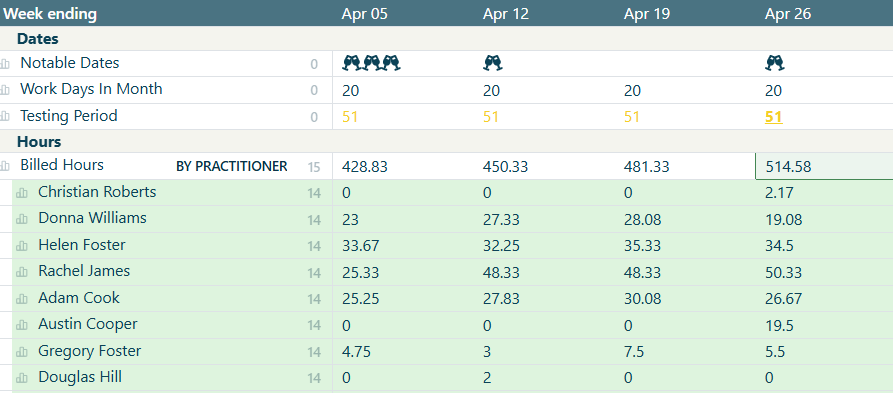
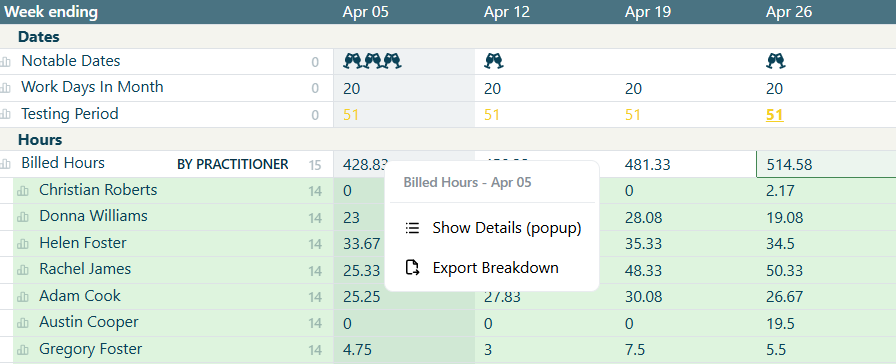
2. Right click on any data point/figure and select 'Export Breakdown'.
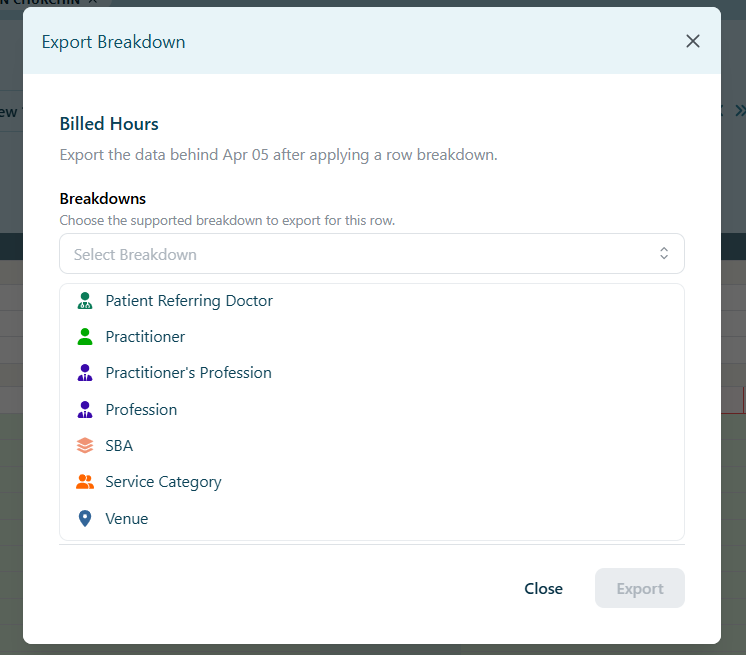
3. Select Category Breakdown from the dropdown options.
4. Select your desired export layout from the 3 options and hit 'Export'.