
Invoice Reminders
Invoice Reminders system automatically emails the invoice payer with a reminder to pay an overdue invoice.
If you are using The BOS Automatic Billing then the same system will also optionally email an invoice when it is first created (without the 'this is overdue' message!)
There are a few components that make this system work
Invoice Delivery Rule
You can create one or more rules. These define which types of invoices we are sending reminders for. Criteria include: Org Node, Private Payer (no invoice contact), and Payer Categories for inclusion or exclusion. Rules can also be disabled.
Invoice delivery rules are ordered and you can rearrange the order from the settings screen. An invoice belongs to the first matching rule found when we are sending the reminder.
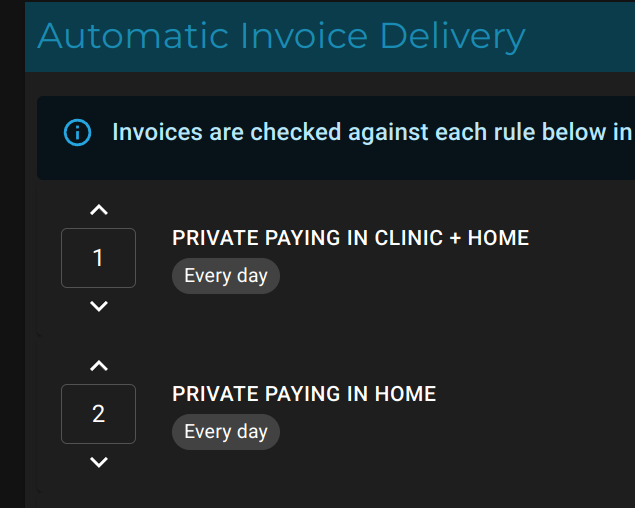
In this example: All private paying for both clinic and home will be matched to rule 1. This means that no invoices will ever match rule 2. If you were to swap the order of the rules then home visits would be matched to the home rule while clinic invoices would match to clinic+home rule.